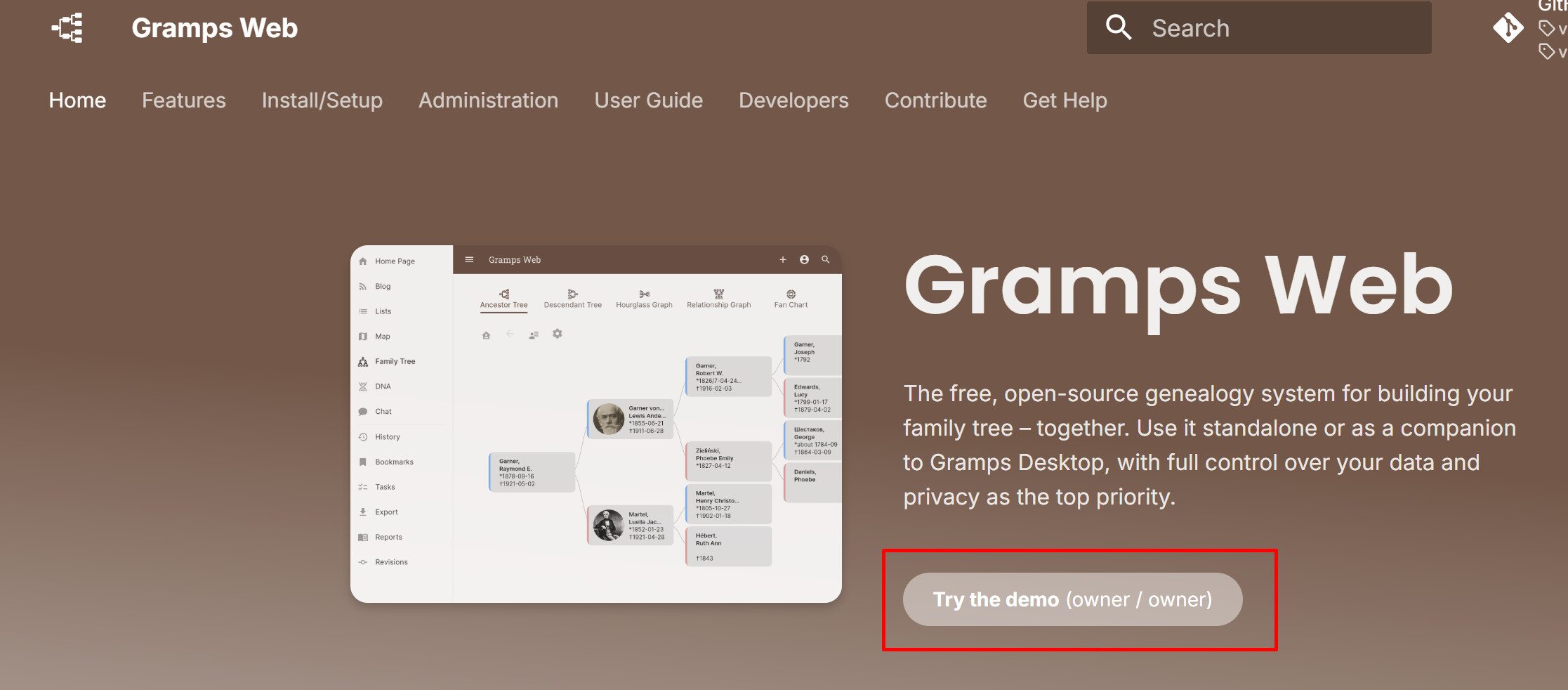
I cannot login with my Gramps credentials nor with a new one what I created for Gramps Web. No confirmation email arrived. Even it is impossible to try the demo with the given “owner” u/pw combo. 
What is the URL for the Gramps Web site that you are trying to visit?
Is it :
https://demo.grampsweb.org/
If so, that demo is not configured to let users create an account.
Instead, you just log in as owner with password owner
I just tried the demo site and could not get in. Perhaps someone changed the password during their explorations.
Either it will reset automatically at the next 2am (Berlin, Germany local time) or @DavidMStraub will have to reset it manually.
Thanks for flagging. I suspect this is a bug with Gramps Web v25.10. @palos can you please confirm you just upgraded? (The demo also just auto-upgraded.)
Created this issue to track it
As a newbie I thought I would try it. I am just getting to know with the AIO64-5.1.6-1 and made me curious the “Gramp Web Sync” menu item of the Tools dropdown. My imported GedCom file contains thousands of places (many overlapped and not standardized). I am facing with a nice manual job if I do not find a “few-click” solution. I was hoping that my places meets the community’s online (standardized) database via the Sync and voilà… 

Sorry, but I don’t understand at all what you mean.
Your screenshot is the registration form, which does not work on the demo (there is no e-mail server configured).
The demo only has 4 hard-coded users: owner, editor, member, guest.
Is it possible?
What exactly?
It is not possible to log into the Demo (to try anything) until the login bug is fixed.
But after it is fixed, are you asking whether logging into the Demo will let you try Gramps Web Sync?
You might also want to experiment with David’s online GEDCOM7 → Gramps XML convertor.
The bug is fixed & new version released, but the demo will not work again until it is reset (once every 24 hours).
Using Web Sync with the demo should be possible, but I don’t think it’s a great idea. It’s meant for people to try out the app and maybe change a thing or two.
Also, you would first have to download the data and import it locally to have two identical copies. If you sync an empty local desktop tree with the demo, you have to be careful not to delete everything.
Great News!! (00:00 midnight GMT ?)
And there’s a limit to the import size on the Demo too, correct?