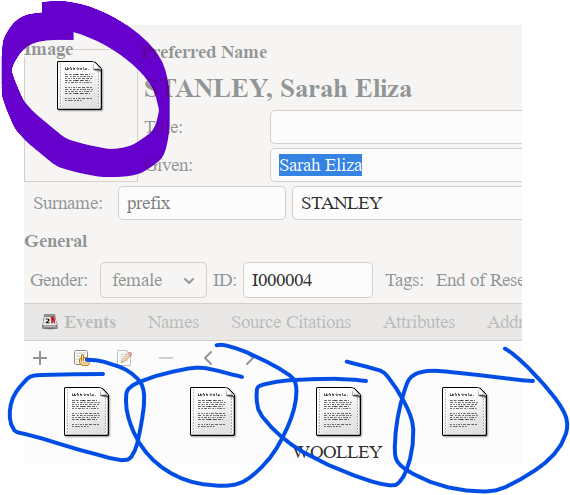
I have upgraded today from V5(something) to 6.0.5. Previously if I had a jpg, etc file it showed a thumbnail in GRAMPS. It did not show for a pdf file. Now it does not show for jpg or pdf files. How do I get it to show for jpg files (and hopefully pdf files as well)?
Open Settings and select the [Family Tree] tab.
Check the last field [Media path] - it might have a default value different from version 5.
Change the value to where your images are stored
Looks like the problem has been solved for photos. Ran the ‘Thumbnail Generator’ and it works for existing jpeg and png files plus for any new ones added. Still does not work for pdf files but never did so not so worried about them. Not sure if it was the Thumbnail generator or if it just took a while to relink to the media as have over 13,000 files in media.