Yes I’ll do that. I’ve already skimmed through it to some extent. One of the main problems for me is its complexity. I already know this from the Ubuntu Wiki. The authors want to compile and present everything relevant to the topic, which often means that the user has to study things that don’t interest him at all.
Further down I suggest where to put the relevant recommendations for export.
First of all, it may be useful if I briefly outline the origin of my problem: When I start the first family tree, I do not yet have any image files. The problem does not exist.
Only after I had installed Gramps also on my notebook and wanted to take over the media that had accumulated in the meantime did this recommendation (with the simplification of the paths) appear on the screen.
This means that I have automatically selected export including media.
When importing on the notebook, I got a folder “/home/rainer/tree.gpkg.media”. Without checking it further, I assumed that it contains everything that belongs to Gramps, and not just the media.
This error in thinking led to the problem. Even though “media” is clearly legible, I interpreted it as a total import including media. A typical newbie issue.
DaveSch’s idea of doing the export without media and importing the media, which are in an external directory anyway, into the new computer makes much sense to me and I would adopt it now.
To summarize, I think it makes sense to accompany the Gramps user with a suitable recommendation when attempting to export the data. The subsequent recommendation to simplify the paths comes too late and has to be modified a bit to get it clearer, by using examples for Windows, Mac and Linux.
The page that opens when you click on Export should already contain clear recommendations. Both for export without media and with media.
So far, the only focus on this page is on the question of whether a backup is necessary.
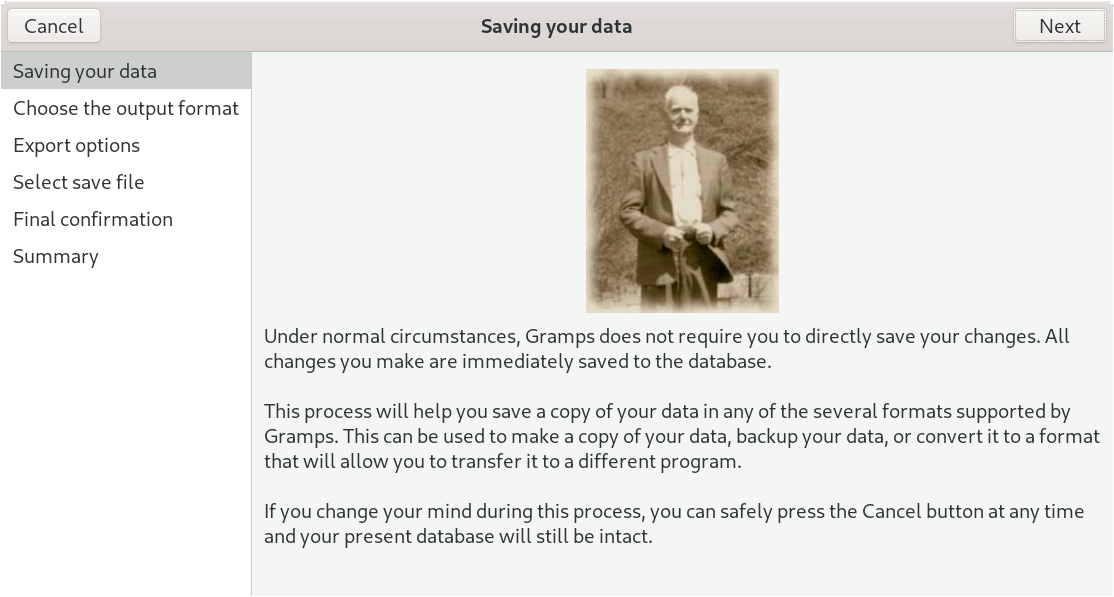
So far, the task of using an export file to transfer the selected family tree to another computer or to separate out a specific part of the family tree (as I have just done with my cousin’s mutual relatives) has been ignored.
In my opinion, a reference to the wiki would be less helpful than putting the necessary instructions on the start page of the export window.